Tutorials & Guides
Learn how to use CropDrive with clear, step-by-step guides.
Step-by-Step Guide
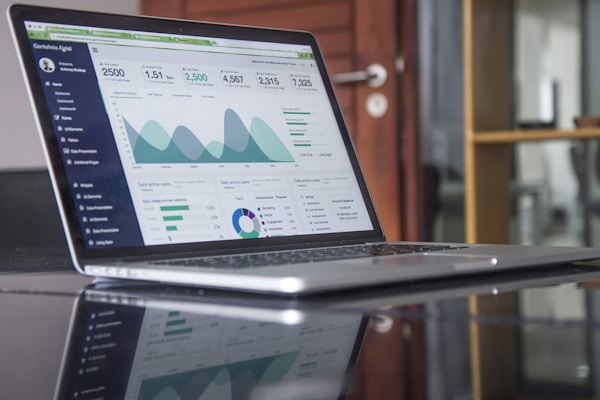
Create Account
Sign up with your email and verify your account via confirmation email

Choose Plan
Select the plan that fits your farm size and requirements

Upload Reports
Upload soil or leaf lab reports in PDF, JPG, or PNG format
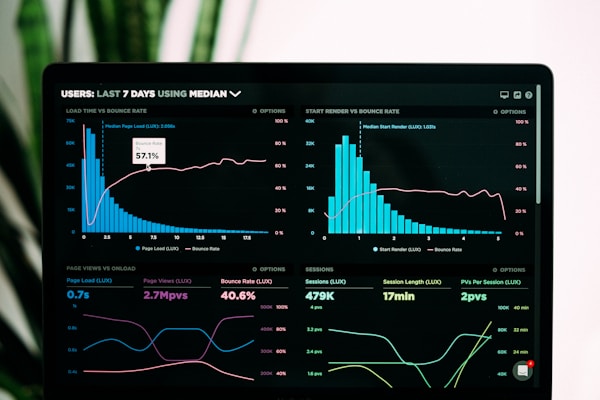
Get AI Analysis
Our AI will analyze your report and provide recommendations within 5-8 minutes
Frequently Asked Questions (FAQ)
Answers to commonly asked questions
Q:What file formats are supported?
A:We support Images (JPG, PNG), PDF, and Excel (.xlsx, .xls) files. Including SPLAB and farm_data reports. Maximum size is 10MB per file.
Q:How long does AI processing take?
A:Most analyses complete in 5-8 minutes. For more complex or larger files, it may take longer.
Q:Is my data secure and confidential?
A:Yes, all data is end-to-end encrypted and stored securely on our servers. We do not share your data with any third parties.
Q:Can I export analysis reports?
A:Yes, you can download complete reports in PDF format with all graphs, tables, and recommendations.
Q:Is support available in Bahasa Malaysia?
A:Yes, we offer full support in both Bahasa Malaysia and English via WhatsApp, email, and live chat.